Highlights and notes
Highlight passages in colour, and write notes as pages of their own. Type / for headings, lists and tables, @ to link to something in your library, and [[ to link another note.

Save what you find on the web, in feeds and in your files. Sort your reading into collections, highlight what matters and search everything later. FlowReader lets you pick up where you left off. When you don’t have time to read it all, it can give you a summary.
Available for: Chrome · Firefox · macOS · Windows · Linux · iOS and Android soon

The tour
Save
Save the page you’re on, follow feeds and newsletters, or import your files and reading lists. Everything arrives as a clean document, ready to read.

Web capture
The page you’re on, or just the passage you selected.

News sites
Any news site, as a clean list of its latest stories.

File formats
PDF, Word, EPUB, Kindle, comics and more.

Import from other apps
Your saved articles from Pocket, Omnivore, Readwise, Raindrop or Instapaper.

RSS & Atom
Follow your feeds and see what’s unread.

Newsletters Pro
Subscribe with a private address, and every issue lands in your library.

Hacker News
The thread and the article it links to, side by side.

Lobsters
Stories, their comments and the article they link to.

arXiv
New papers in your fields. Search by author, title or abstract.

Royal Road
Web serials as books, with new chapters as they come out.

OPDS
Online ebook catalogues such as Project Gutenberg.
Read
Press ⌘⇧E (Ctrl+Shift+E) on any page, or right-click and choose Open in FlowReader. Ads and menus disappear, and you read the text in the font and colours you prefer. FlowReader remembers where you stopped. Press M to switch reading mode.

Just want to read in peace? You get one clean column of text to scroll through at your own pace. You can also turn on Bionic emphasis, which sets the start of each word in bold.
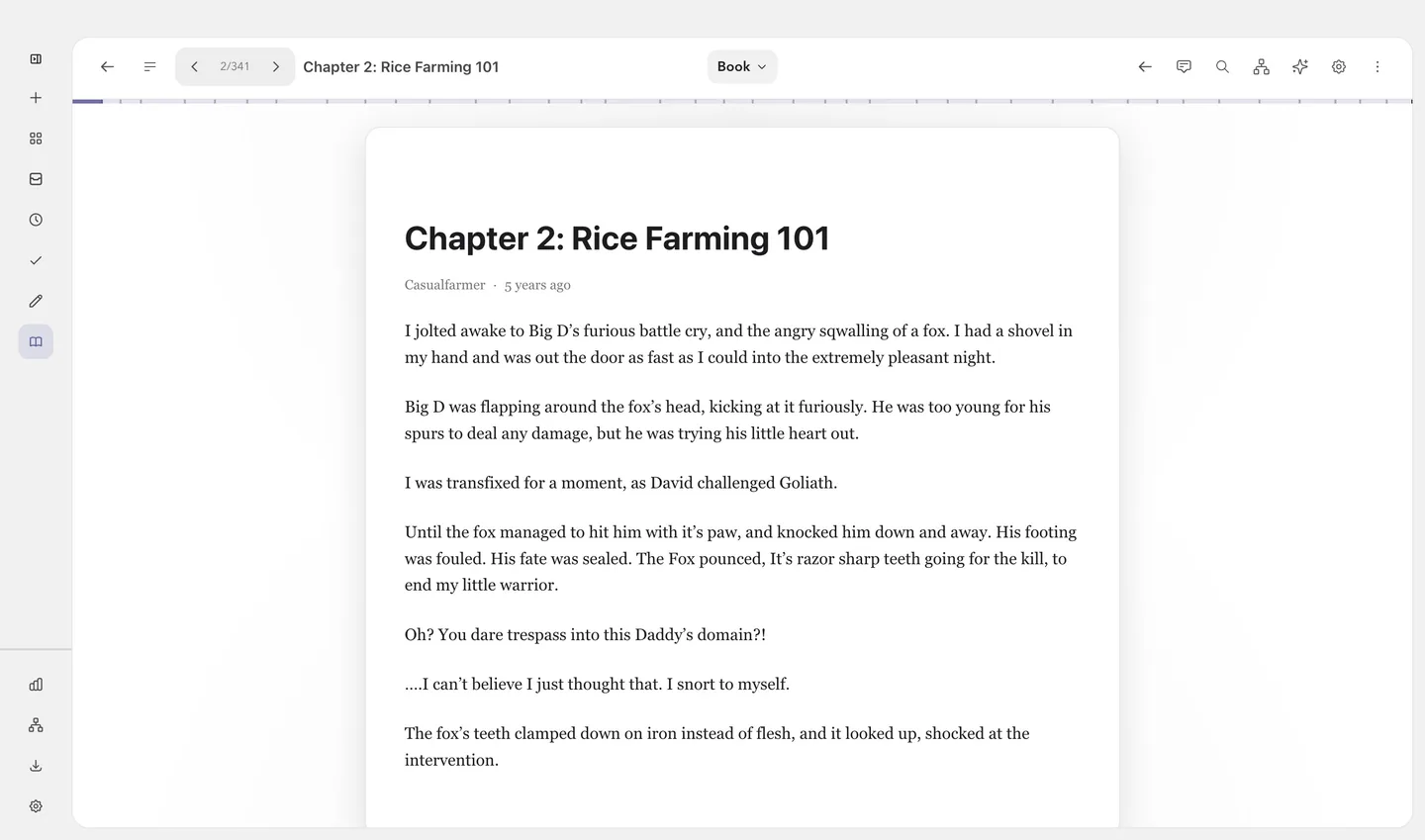
Reading a book, or anything with chapters? You get the text page by page, with chapters and a table of contents. On a wide screen you can read two pages side by side, like an open book.
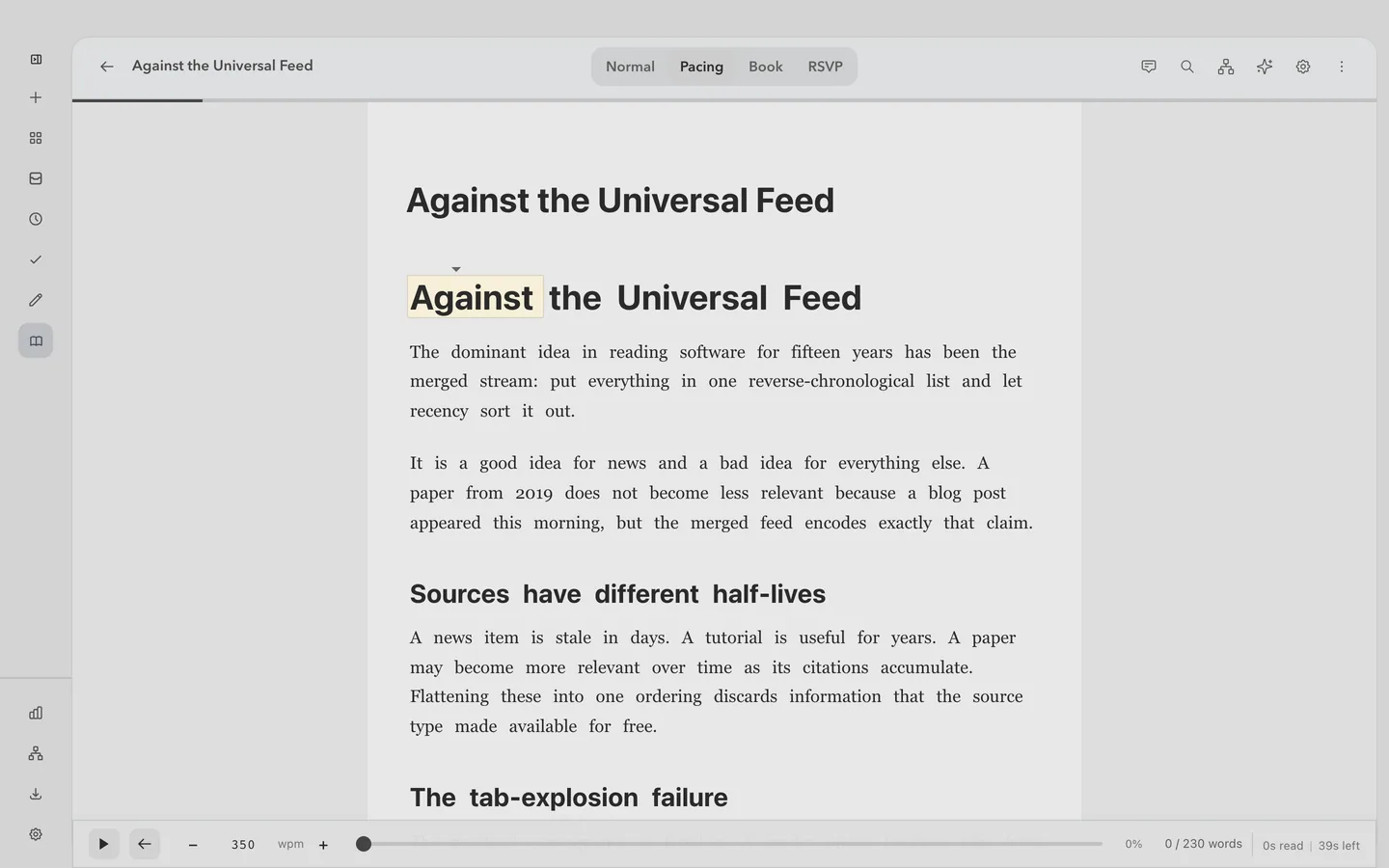
Want help with your reading pace? Choose a highlight that moves through the text at the speed you set, by paragraph, sentence or word. Pause or stop whenever you like.
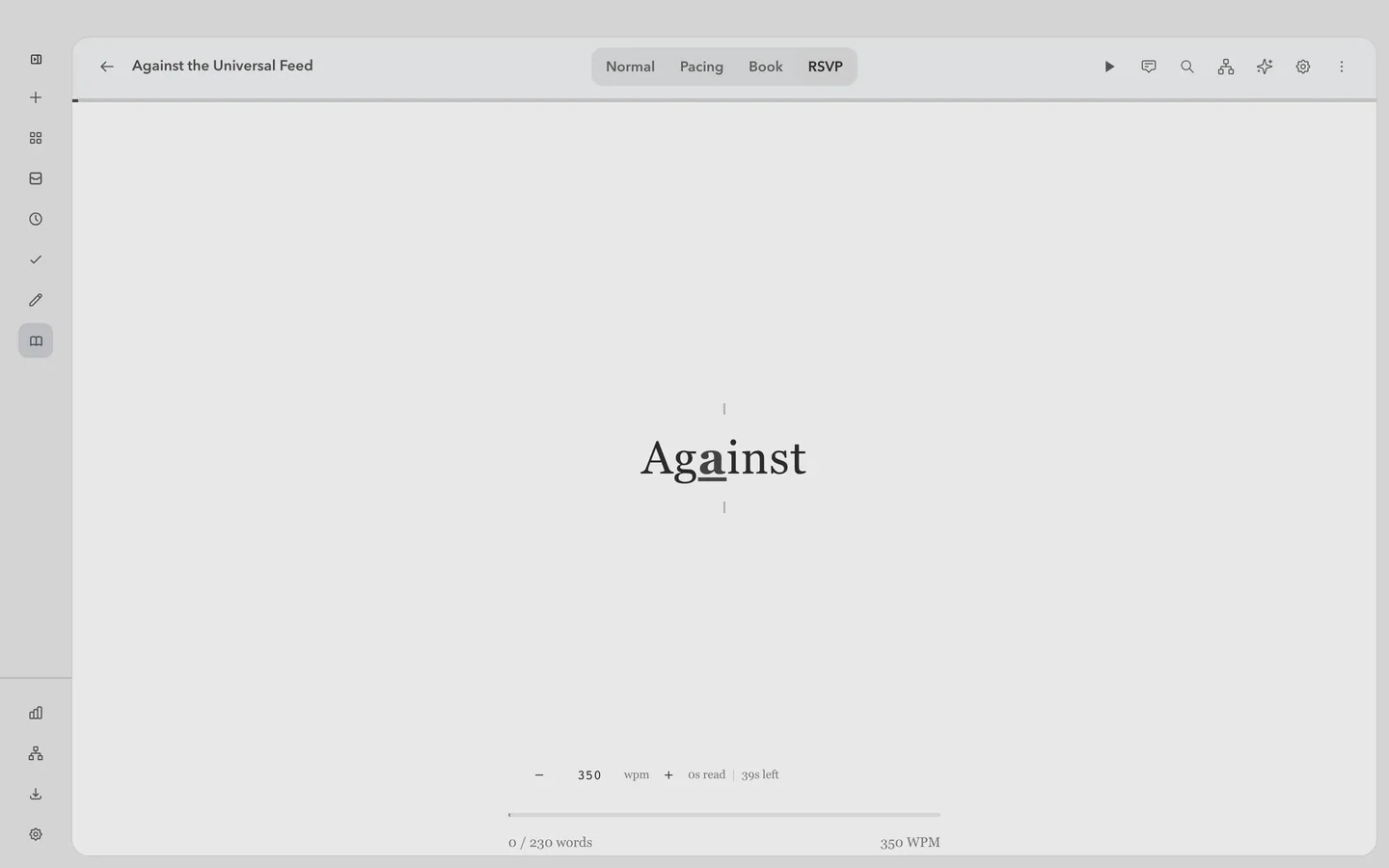
Choose RSVP if you want to read a few words at a time, so your eyes can stay still.
Press F and everything but the text goes away: the sidebar, the tabs and the top bar. Press F or Escape and it all comes back, right where you were.
Keep
Highlight passages in colour, and write notes as pages of their own. Type / for headings, lists and tables, @ to link to something in your library, and [[ to link another note.
Have an article read aloud while you cook or go for a walk. English uses a voice that runs inside the app, and other languages use your system’s voices. It’s free.
Publish a note on a link anyone can open, with a password if you like. Your edits show up on the link, and you can stop sharing at any time.
Find again
Search titles, full text, highlights and notes at once. Open a result and the reader jumps straight to the passage that matched.
Ask about anything you’ve saved, and each answer links to the passage it used. When you allow it, the assistant can also search the web and use other tools you connect.
Everywhere
The browser extension and the desktop app are the same full app. With Pro, your library stays in sync between them, and you can share collections with other people.
Free and Pro
€0 always
The whole reader, on your own device. No account needed.
Download freeIncluded
€7.99 per month
Everything in Free, plus the assistant, sync, newsletters, Smart Rules, sharing and the knowledge graph.
See pricingPro adds
14-day trial where available. Billed monthly, with no annual plan.
Chrome and other Chromium browsers, Firefox, macOS, Windows and Linux. Apps for iOS and Android are in development and not available yet.
No. Every reading mode and every free source works without an account. You only need one for Pro, because a subscription belongs to an account.
It’s free and needs no account. English is read by a voice that runs on your device after a one-time download, so nothing you read is sent anywhere to be spoken. Other languages use the voices your system already has. You can set the speed from half to three times normal.
Yes, if you use the assistant. It runs on your own account with an AI service, or on a local model on your computer. FlowReader doesn’t sell AI use of its own.
Everything you’ve already saved on your device. Your library, reading positions, notes, highlights and search all work without a connection. Only content that was never downloaded needs the network.
FlowReader Pro is €7.99 per month, with a 14-day trial where available. It renews automatically every month until you cancel. There is no annual plan.
Get the desktop app or the browser extension.